
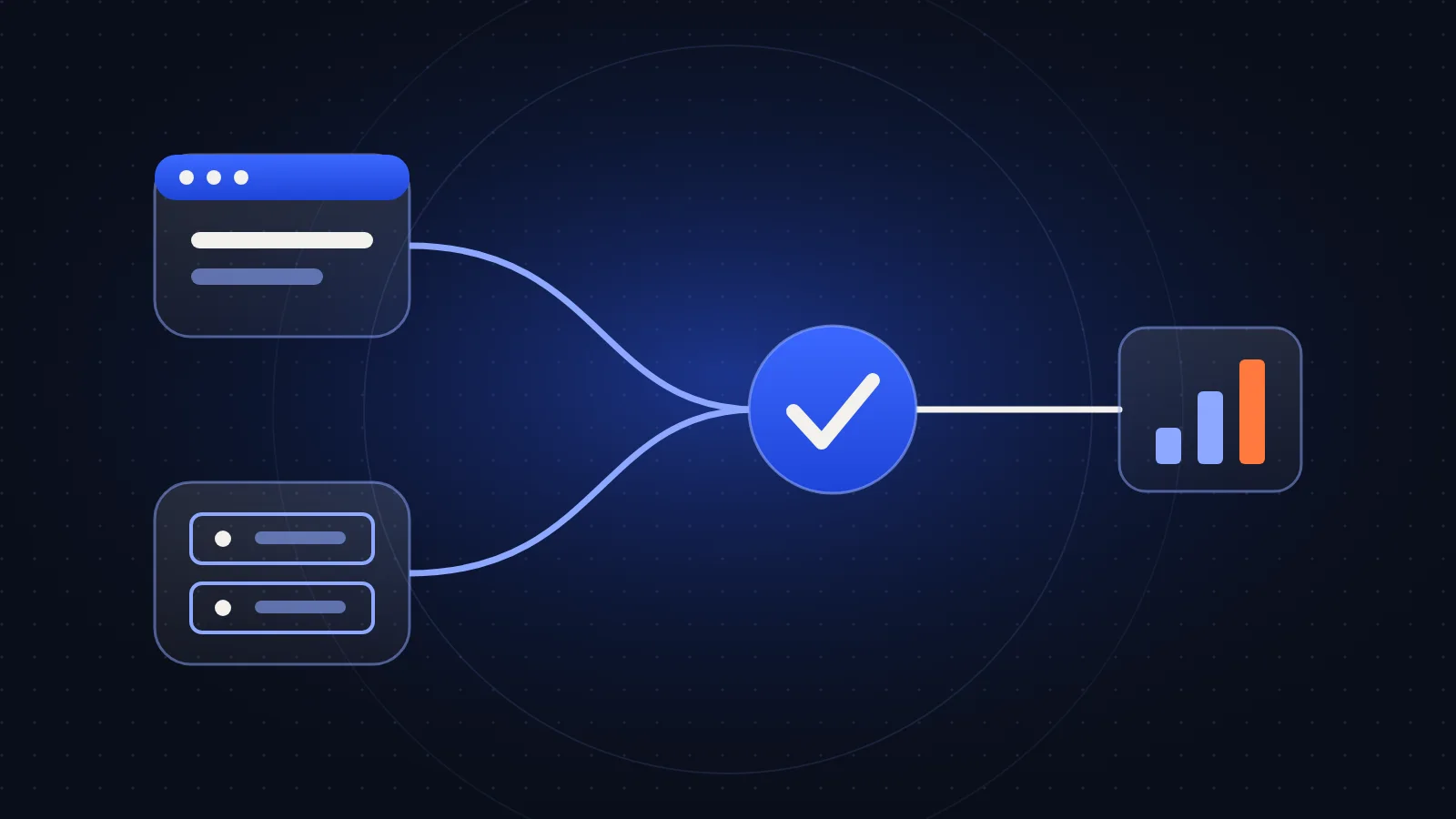
For most businesses running Meta ads seriously, the practical answer is yes, use both. The Pixel and the Conversions API do similar jobs by different routes, and each one covers some of the other’s weak spots.
Using both does add a risk, though: if they aren’t set up properly, the same purchase can be counted twice.
What each one does
The Meta Pixel is code that runs in your visitor’s browser. When someone views a page or buys something, it can send that event to Meta.
The Conversions API (CAPI) sends events from your server, or from a platform or partner connected to your data, directly to Meta. It doesn’t depend on code running in the visitor’s browser.
| Meta Pixel | Conversions API | |
|---|---|---|
| Runs from | The visitor’s browser | Your server or a connected platform |
| Can be affected by | Ad blockers, browser privacy limits, page errors | Server setup and data quality |
| Setup effort | Usually simpler | Usually more involved |
| Good for | On-page actions and browser signals | More dependable sending of key events, including offline ones |
Why many sites use both
Browser tracking can miss events. An ad blocker may stop the Pixel, or someone may leave before a thank-you page loads. A server event can still get through in those cases, assuming you have a valid reason and consent to send it.
The Pixel, meanwhile, can pick up browser details and on-page behavior that a server doesn’t automatically see. Together, they generally give Meta a fuller view than either one alone, which can help reporting and ad delivery.
CAPI doesn’t make tracking perfect, however. It sends only the data you give it, so poor data stays poor.
Stop duplicate events
When the same purchase is sent by both routes, Meta needs to know that it’s one purchase. It does this through deduplication:
- Send the same event name from both, such as
Purchase. - Send the same event ID:
eventIDfrom the Pixel andevent_idfrom the server.
If those don’t match, your reported conversions can be inflated and your decisions will be based on the wrong numbers.
How to set it up
The right method depends on your site.
- Built-in integrations: Platforms such as Shopify and WooCommerce have integrations or partner options. Start here if one suits your site.
- Server-side Google Tag Manager: This offers more control and works across several tools, but it needs a server container and ongoing care.
- Direct API integration: This is the most flexible option for custom systems, but it needs developer time.
Whichever you use, send your key events first, such as purchases or qualified leads. Add more only when you have a reason to use them.
How to test it
Don’t assume a setup works because it’s installed.
- Open Events Manager and use Test Events while you complete a real action on your site.
- Check that browser and server events both arrive, with the expected name, value and currency.
- Confirm that matching events are being deduplicated.
- Look for warnings in Diagnostics, and review the Event Match Quality score where it’s shown.
- After a few days, compare purchases in Meta against your store or CRM. The numbers won’t match exactly, but they should be explainable.
Common mistakes
- Different event IDs in the browser and on the server
- Purchase events firing more than once, such as when someone reloads a thank-you page
- Wrong value or currency, which makes ROAS unreliable
- Multiple Pixels or tools sending the same event without anyone realizing
- Sending personal data carelessly. Customer information must be handled according to Meta’s requirements and your privacy obligations, and consent rules vary by region
If you serve customers under privacy laws such as GDPR, check your consent setup with a qualified adviser. This article isn’t legal advice.
Where GA4 and GTM fit in
Google Tag Manager is a way to manage tags, including the Pixel, and GA4 is an analytics tool. Neither replaces CAPI, and Meta’s numbers won’t match GA4 exactly because each uses its own attribution. Agree in advance which number your team uses for which decision.
Frequently asked questions
Can I use the Conversions API without the Pixel?
Yes, it’s possible, but many advertisers get more complete signals from using both. Check whether your setup would lose any data you rely on.
Will the Conversions API improve my ad results?
It can give Meta better data to work with, but it can’t guarantee better results. A weak offer or creative will still be weak, as covered in my guide on what to check when Meta ads aren’t profitable.
Why don’t Meta and my store numbers match?
Attribution windows, cross-device behavior, cancellations and tracking gaps can all cause differences. A consistent, explainable gap is normal, but a sudden change is worth investigating.
Do I need a developer?
Not always. A platform integration may be enough for a standard store. Custom sites and server-side setups often do need technical help.
Next step
Run a real test in Events Manager this week, starting with your most valuable event. If the numbers still don’t add up, see how I handle tracking and marketing systems.